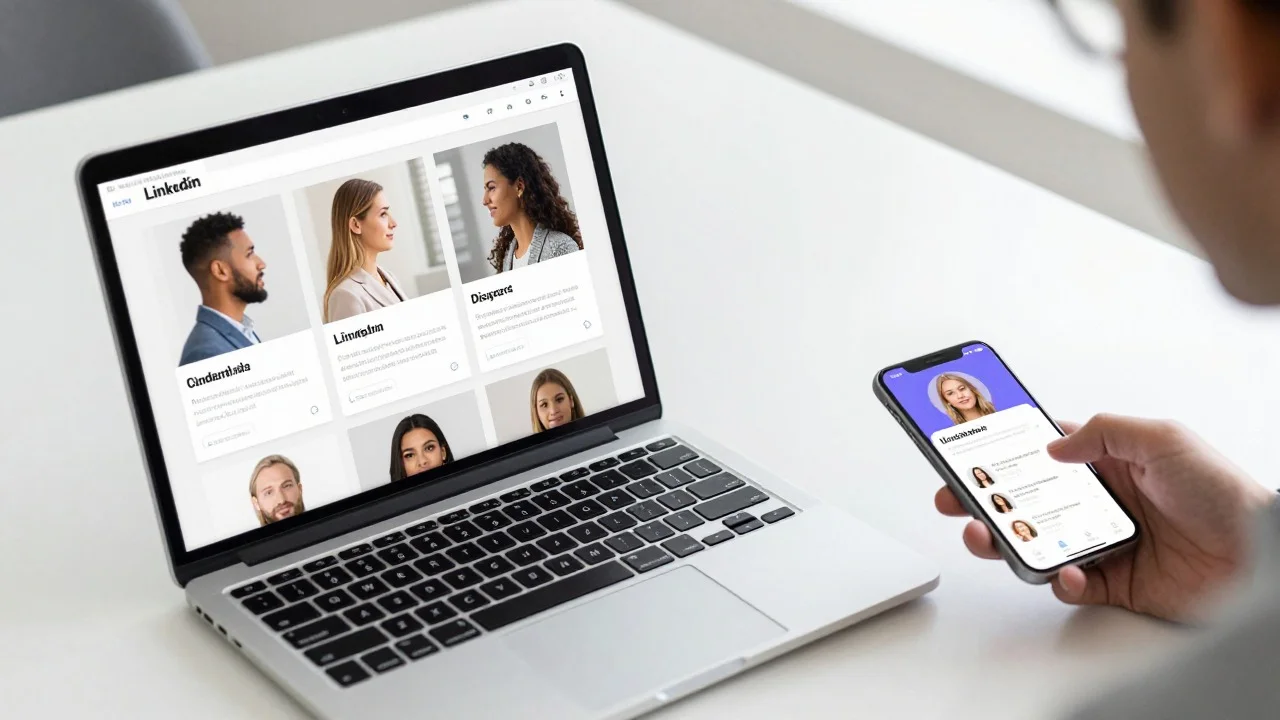
One decent selfie, three profiles to fill. Cropping the same square three times is the instinct, and usually the wrong call. A recruiter on LinkedIn wants to know you are a real, current, employable adult. A Discord server wants a shape it can recognize at the size of a fingernail. A dating app wants evidence that the person in the photo is the person who walks into the bar. Those goals pull apart. Pick the destination, then the tool.
A headshot generator aimed at recruiters is the wrong instrument for a game server.
Branch One: Linkedin And Other Work Profiles
Work platforms crop to a circle, then shrink it hard. Adobe Express’s profile picture guide lists 400 x 400 pixels for LinkedIn and X, against 320 x 320 for Instagram and 170 x 170 for Facebook — so a square file centered on the face survives all four. What kills a work photo is not resolution. It is a busy background, uneven light, and a crop that strands your head at the top of the circle.
Overchat AI Profile Picture Maker
Overchat AI Profile Picture Maker takes a single selfie. Its promise is narrow and worth reading literally: AI relights the photo, fixes the background and frames it for a circle crop, and the face stays the same. Drag a file in, pick one of eight looks — clean and neutral, corporate headshot, color gradient, outdoor golden hour, dark studio, flat illustration, anime, 3D animated — press Make my PFP, wait roughly 30 seconds. Uploads are JPG, PNG or HEIC up to 20 MB, and the page states the HD download carries no watermark. The limitation is that preset list: no prompt box, so if none of the eight fits, your only move is to re-run, and the corporate look can put you in a jacket you do not own.
BetterPic
BetterPic works the opposite way: it trains on you. The site asks for roughly 6–7 chest-up shots plus 1–2 half-body shots, then returns 4K headshots — 20 on Basic, 60 on Pro, 120 on Expert, turnaround stated as two hours, 1.5 hours and one hour. Basic starts at $35, and uploads are kept a maximum of 30 days after delivery. The cost of that quality is commitment: eight usable source images is a real errand.
Fotor’s AI Headshot Generator
Fotor’s AI headshot generator sits between them. It takes a selfie, asks you to pick 3–10 styles from a named list including Classic Corporate, Smart Casual and Studio Minimalist, and advertises results in about 10 seconds. The page names no formats and no free-tier cap, so treat “free” as unconfirmed until the export screen.
Branch Two: Discord, Game Servers And Forums
Discord’s own documentation is the useful source. It states that Nitro subscribers can upload animated GIFs as their profile avatar; free accounts get a static image. Banners are Nitro-only too, with a specific requirement: PNG, JPG or animated GIF under 10 MB, minimum 680 x 240 pixels. Nitro Basic includes neither.
The design constraint is size. Your avatar sits beside a message at a scale where a photographic face turns into three brown pixels. Flat shapes and two or three colors read; subtle lighting does not.
Picrew
Picrew is the non-AI answer, and still the right one for many servers: browse illustrator-made image makers and assemble a character from their parts. The catch is licensing, and Picrew states it plainly — you may only use the generated images within the scope permitted by the creator and by Picrew. Read the maker’s terms before putting the result on a monetized account.
Canva
Canva covers the middle ground: templates, frames, filters, and Background Remover, which is a Pro feature. Its page lists 320 x 320 for Instagram, 170 x 170 for Facebook and 800 x 800 for YouTube. It will not invent an avatar for you — it is a layout tool.
Adobe Express
Adobe Express does the same job with a stronger resize workflow, re-outputting one design at each platform’s size, with core editing free.
Overchat AI’s flat illustration, anime and 3D animated looks land here too, though they start from your face rather than a character sheet — a register some servers read as wrong.
Branch Three: Tinder, Hinge And The Dating Apps
This is the branch where generated photos backfire, and the failure is not abstract. A heavily generated headshot buys a first date, then spends its first thirty seconds being disproved.
The apps have moved in the honest direction. Tinder calls Photo Enhance AI-powered, and the wording is careful: it sharpens blurry images and adjusts brightness and exposure “while keeping your photo authentic to you,” it is “designed to improve image quality without changing how you look,” and it runs an automatic check that the enhanced photo still looks like you. Both versions are kept; you can revert. Tinder’s Photo Selector is on-device — it generates biometric data from a selfie, scans your camera roll on quality factors like lighting and composition, filters out group photos, and hands back a shortlist. Tinder is explicit that you remain responsible for what you upload.
Off-app, the tools worth having repair rather than generate.
Remini
Lists nine functions including Unblur & Sharpener, Denoiser, Face Enhancer and an Image Enlarger that upscales up to 2x, on Android, iOS and web.
Photoroom’s
Background remover takes JPEG or PNG and exports PNG, JPEG or WEBP with a transparent, white or custom background — useful when the only good photo of you has a stranger in it.
PFPMaker
It is the generalist, sitting across all three branches. Its site claims 27+ AI tools and 1,100+ styles, processing around 15 seconds, and takes JPG or PNG up to 5 MB. Free covers basic generation plus background removal; advanced headshots sit behind an unpriced Premium tier.
The Decision Table
| Photo you have, profile you need | Tool to open | What that buys you |
| One selfie, need a work photo today | Profile Picture Maker from Overchat AI | Single upload, eight looks, HD download without a watermark |
| Job hunting, want a set to choose from | BetterPic | 4K output, 20–120 variants, $35 entry price |
| Avatar for a game server | Picrew or Canva | Flat art survives Discord shrinking it |
| Animated avatar on Discord | Nitro plus a GIF | Animated avatars are Nitro-only |
| Dating profile | Tinder Photo Enhance, Remini | Repairs the photo instead of replacing your face |
| Only good photo has a stranger in it | Photoroom | Isolates the subject, exports transparent PNG |
| Same square everywhere, low effort | Adobe Express, PFPMaker | One design, re-exported per platform size |
The table’s top row is not a standalone purchase. Overchat AI’s Profile Picture Maker comes with 150+ other purpose-built tools in one all-in-one app spanning image, video, audio and text, running models from GPT, Claude, Gemini, Grok, Kimi and Qwen on web, iOS and Android, with 350,000+ users. Pro is $14.99/month or $59.99/year. ChatGPT Plus at $20, Claude Pro at $20 and Google AI Pro at $19.99 come to roughly $59.99 a month between them — a full year of Overchat AI Pro.
Sorted by the two questions that decide the choice: is the output your face, and who is looking at it.
The Profiles That Need A Photographer, Not A Generator
If your face is part of the service — therapist, lawyer, agent — book a photographer. An hour with a camera gives you body language, hands and a full-length option no single-selfie generator produces. If your job involves a uniform or a lanyard, generation gets those details wrong in ways colleagues notice. If the photo will be checked against an ID, leave it alone.
Prep matters more than the model in every branch. A tool relighting a squinting, backlit, up-nostril selfie is still working with a squinting, backlit selfie.
The lower four are the usual reasons an upload comes back wrong.
The Recommendation, By Situation
Work photo in ten minutes from one selfie: Overchat AI, clean and neutral rather than corporate. Interviewing seriously this month: BetterPic, with the eight source photos gathered properly. Discord identity: Picrew for the art, Canva or Adobe Express to size it. Dating profile: Tinder’s Photo Enhance, then stop. The picture that gets you a second date is the one that matched the first.