A 4K 120Hz monitor combines ultra-high-definition resolution with a fast refresh rate to deliver both exceptional image quality and smooth on-screen performance. Featuring a resolution of 3840 × 2160 pixels, it provides sharp details, crisp text, and lifelike visuals, while the 120Hz refresh rate ensures fluid motion, reduced blur, and improved responsiveness.
This combination makes 4K 120Hz monitors ideal for a wide range of users. Gamers benefit from smoother gameplay, lower input lag, and greater visual immersion, while content creators, designers, and video editors gain the accuracy and detail needed for professional work. With support for modern technologies such as HDR, adaptive sync, HDMI 2.1, and high-performance GPUs, these displays have become a leading choice for entertainment, productivity, and next-generation gaming.
| Topic Area | Key Points |
| 4K 120Hz Monitor Overview | Combines 4K resolution (3840×2160) with 120Hz refresh rate for sharp and smooth visuals |
| 4K Resolution | Ultra-detailed image quality, ideal for large screens and professional work |
| 120Hz Refresh Rate | Provides smoother motion, reduced blur, and better responsiveness |
| Main Benefits | Better gaming experience, improved productivity, and immersive visuals |
| Panel Types | IPS (balanced), VA (contrast), OLED (premium quality) |
| Gaming Performance | Smooth gameplay, low input lag, realistic graphics, console support (PS5, Xbox Series X) |
| Content Creation | Ideal for editing, design, and photography due to high clarity and accuracy |
| Connectivity | HDMI 2.1 and DisplayPort 1.4 are required for full performance |
| Adaptive Sync | Eliminates screen tearing and stuttering using G-Sync / FreeSync |
| Hardware Needs | Powerful GPU (RTX/Radeon), modern CPU, 16GB+ RAM, fast SSD |
| Screen Sizes | 27-inch (balanced), 32-inch (immersive), ultrawide (multitasking) |
| Advantages | Future-proof, smooth performance, high clarity, multitasking-friendly |
| Disadvantages | Expensive, high hardware demand, and more power usage |
| Comparison | Better clarity than 1440p, much smoother than 1080p 60Hz |
| Future Trends | 240Hz 4K displays, OLED growth, dual-mode monitors |
4K 120Hz Monitor
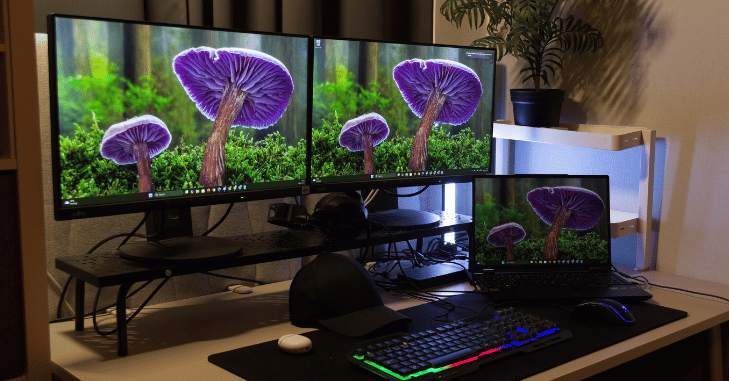
4K resolution refers to a display with 3840 × 2160 pixels, totaling over 8 million pixels on the screen. This is four times the pixel count of Full HD (1920 × 1080).
Extremely sharp images and text
- Greater detail in photos and videos
- Improved workspace for multitasking
- Better clarity for professional applications like editing and design
- The increased pixel density results in crisp visuals, especially noticeable on screens between 27 and 32 inches.
What Does 120Hz Refresh Rate Mean?
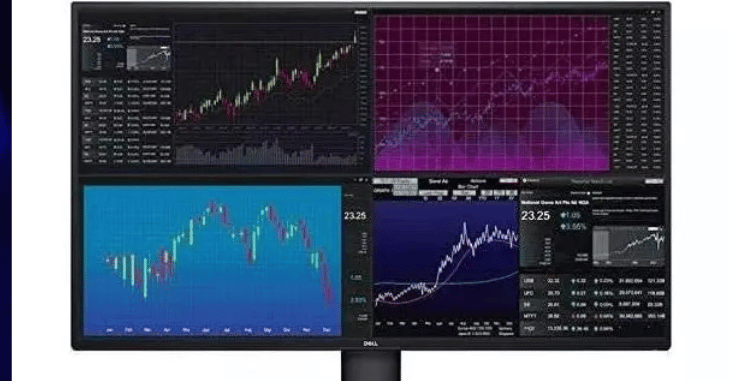
The refresh rate indicates how many times the screen updates per second. A 120Hz monitor refreshes 120 times per second, compared to 60 times on standard displays.
- Smoother motion in fast scenes
- Reduced motion blur
- Faster visual response
- Improved gaming performance
- Higher refresh rates make a noticeable difference, especially in fast-paced applications like gaming or sports viewing.
Why Combine 4K and 120Hz?
A 4K 120Hz monitor combines sharp image quality and smooth performance in one display, eliminating the traditional trade-off between resolution and refresh rate. This results in visual precision combined with fluid motion, allowing users to enjoy sharp details alongside seamless transitions, which is especially valuable for gaming and content creation.
The enhanced gaming experience is another major advantage, as modern titles appear more realistic with high-resolution textures while running more smoothly thanks to higher refresh rates. In addition, these monitors significantly boost professional productivity, enabling designers, video editors, and programmers to work more efficiently with clearer visuals and more responsive performance.
Types of Panels in 4K 120Hz Monitors
IPS (In-Plane Switching)
- Excellent color accuracy
- Wide viewing angles
- Ideal for creators and general users
VA (Vertical Alignment)
- High contrast ratios
- Deeper blacks than IPS
- Good for entertainment and movies
OLED (Organic Light-Emitting Diode)
- Perfect blacks and infinite contrast
- Extremely fast response time
- Premium pricing but unmatched visual quality
Gaming Performance on 4K 120Hz Monitors
Gaming is one of the primary reasons people invest in 4K 120Hz, as they deliver a powerful combination of visual quality and performance. Higher refresh rates ensure smoother gameplay, which is especially important in competitive titles where every frame counts.
Reduced input lag makes actions feel more immediate, helping players react faster and more accurately during intense moments. In addition, better visual fidelity enhances the overall gaming experience, with higher resolution and improved color rendering making environments and characters appear more lifelike.
These monitors are also well-suited for console gaming, as modern systems like the PlayStation 5 and Xbox Series X support 4K at 120Hz, making them an ideal choice for gamers seeking both performance and immersion.
Benefits for Content Creators
These are not just for gaming; they are powerful tools for professionals.
Video Editing
- Edit 4K footage natively
- Smooth timeline playback
- Precise color grading
Graphic Design
- High pixel density improves detail work
- Accurate color reproduction
Photography
- Better image preview
- Fine details become easier to spot
Connectivity and Ports
To achieve 4K at 120Hz, proper connectivity is essential.
HDMI 2.1
- Required for consoles and newer GPUs
- Supports full 4K at 120Hz
DisplayPort 1.4 and Above
- Common in PCs
- Supports high resolution and refresh rates with compression
Adaptive Sync Technologies
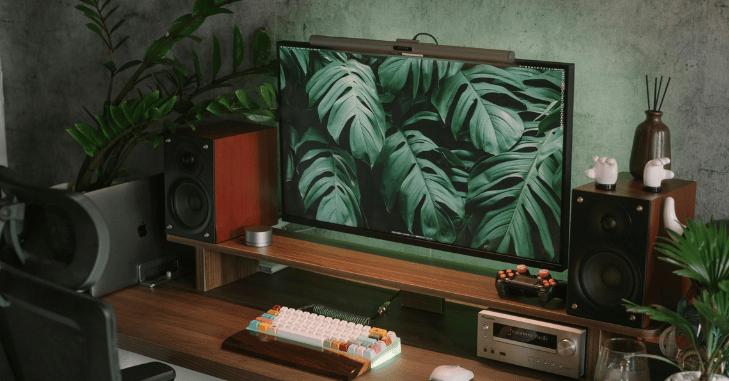
Screen tearing can significantly disrupt the viewing and gaming experience, particularly in fast-paced scenes where frames are rendered unevenly. This issue occurs when the graphics card sends frames at a different rate than the monitor can display them. Adaptive sync technology effectively solves this problem by dynamically aligning the monitor’s refresh rate with the GPU’s output in real time.
As a result, they eliminate screen tearing, reduce stuttering, and minimize input lag, leading to smoother motion and a more responsive feel. This is especially beneficial for gamers, as it enhances visual consistency and allows for a more immersive and competitive gaming experience without distracting visual artifacts.
Recommended 4K 120Hz+ Monitors (2026)
If you’re shopping for a 4K 120Hz monitor today, you’ll find that many models now offer refresh rates of 144Hz, 160Hz, or even 165Hz while remaining fully compatible with HDMI 2.1 devices such as the PlayStation 5, Xbox Series X, and modern gaming PCs. Here are some of the best options currently available in the UK.
| Monitor | Best For | Refresh Rate | Approx. UK Price* |
|---|---|---|---|
| LG 32GR93U-B | Overall gaming & console use | 4K 144Hz | £640–£650 |
| Dell UltraSharp U3225QE | Productivity & creators | 4K 120Hz | £690–£700 |
| MSI MAG 322UP QD-OLED | Premium HDR gaming | 4K 165Hz OLED | £590–£620 |
| Gigabyte MO32U | OLED gaming | 4K 165Hz OLED | £720+ |
| iiyama G-Master GB3261UHSCP-B1 | Best budget 32-inch option | 4K 144Hz | £240–£260 |
HDR and Color Performance
High Dynamic Range (HDR) enhances visual quality by improving brightness, contrast, and color depth.
- Brighter highlights
- Deeper shadows
- More realistic colors
- Higher-end monitors may include advanced HDR standards for a more cinematic experience.
Hardware Requirements
Running a 4K 120Hz monitor at its full potential requires powerful and well-balanced hardware. A high-end graphics card is essential, as rendering games or applications at 4K resolution with a high refresh rate demands significant GPU performance; modern options from the NVIDIA RTX series or AMD Radeon lineup are commonly used for this purpose.
Alongside the GPU, a modern multi-core processor ensures smooth system performance, while at least 16GB of RAM is recommended to handle multitasking and demanding applications efficiently. Storage also plays an important role, as fast SSDs help reduce loading times and improve overall responsiveness in both gaming and creative workflows.
Choosing the Right Screen Size
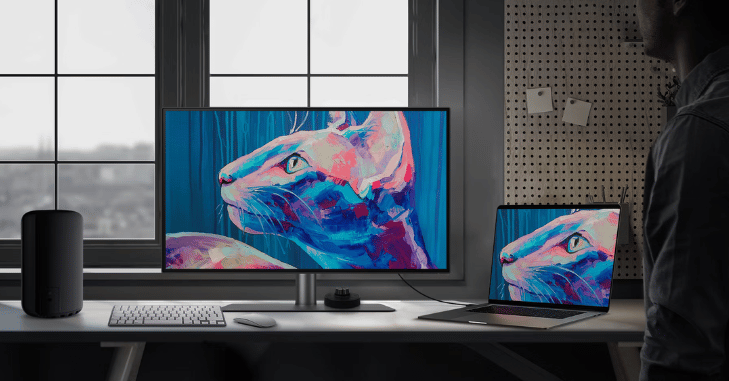
| Screen Size / Type | Key Features | Advantages | Best Use Case |
| 27-Inch | Ideal for desks, high pixel density | Sharp visuals, balanced size, and clarity | General use, gaming, productivity |
| 32-Inch | Larger screen, more immersive | Better viewing experience, great for media | Entertainment, immersive gaming |
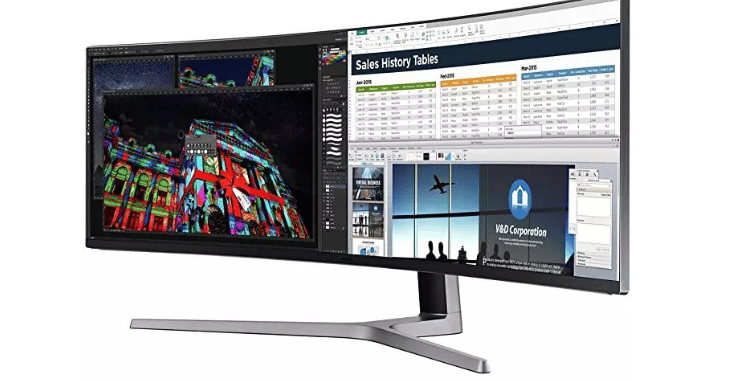
| Ultrawide Displays | Wider aspect ratio, extended screen space | Enhanced multitasking, broader field of view | Simulations, multitasking, workflows |
Advantages of 4K 120Hz Monitors
- Exceptional image clarity
- Smooth motion performance
- Ideal for gaming and professional use
- Future-proof technology
- Enhanced multitasking
Disadvantages to Consider
- High cost compared to standard monitors
- Requires powerful hardware
- Increased power consumption
- Not all applications fully utilize 4K 120Hz
Comparison with Other Monitor Types

| Feature / Aspect | 4K 120Hz Monitor | 1440p 144Hz Monitor | 1080p 60Hz Monitor |
| Resolution | 3840 × 2160 (Ultra HD) | 2560 × 1440 (QHD) | 1920 × 1080 (Full HD) |
| Refresh Rate | 120Hz | 144Hz | 60Hz |
| Visual Clarity | Excellent, very sharp and detailed | Good clarity | Basic clarity |
| Performance Demand | Very high (requires powerful hardware) | Moderate (easier on systems) | Low (runs on almost any system) |
| Smoothness | Very smooth | Extremely smooth | Limited smoothness |
| Gaming Experience | High-end, immersive | Competitive and fast-paced | Basic gaming |
| System Compatibility | Best with high-end GPUs | Works well on mid-range systems | Works on low-end systems |
| Upgrade Value | Premium, future-proof | Balanced upgrade | Entry-level |
Buying Guide: What to Look For
When choosing a 4K 120Hz monitor, several key factors should be considered together rather than individually. The refresh rate should be at least 120Hz to ensure smooth and fluid performance, especially for gaming and fast-moving visuals. The panel type also plays a crucial role, with IPS panels offering a balanced experience in terms of color accuracy and viewing angles, while OLED panels provide a more premium experience with deeper blacks and superior contrast.
Connectivity is equally important, so the monitor should support modern standards like HDMI 2.1 or DisplayPort to fully utilize 4K at high refresh rates. Response time is another critical aspect, as lower response times help reduce motion blur and ghosting, resulting in clearer images during fast action.
Future Trends in 4K Monitors
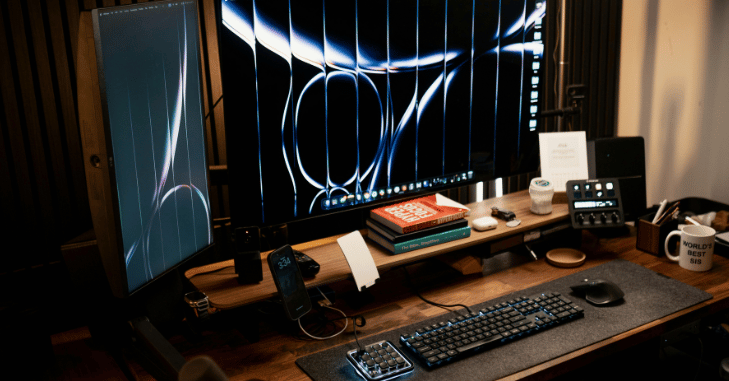
The display industry continues to evolve rapidly.
- 4K monitors with 240Hz refresh rates
- Wider adoption of OLED and Mini-LED
- Dual-mode displays (switching between resolution and speed
- These innovations aim to deliver even better performance and flexibility.
Conclusion
A 4K 120Hz monitor stands as a true breakthrough in modern display technology, bringing together ultra-sharp 4K resolution and ultra-smooth 120Hz performance in a single powerful package. It eliminates the traditional trade-off between visual clarity and motion smoothness, offering both at the highest level for users who demand excellence.
Although it requires strong hardware and a higher investment, the long-term benefits in performance, visual quality, and future readiness make it one of the most valuable upgrades for any serious user. As display technology continues to evolve, 4K 120Hz monitors remain a key standard for next-generation visual experiences.
Want to know about 1440p Resolution Guide: What It Is, How It Compares to 1080p and 4K (2160p), Performance Differences, and Why It’s So Popular Check out our Tech category.
FAQs
It is used for high-quality gaming, professional content creation, video editing, design work, and immersive entertainment due to its sharp visuals and smooth performance.
Yes, it is excellent for gaming because it offers high resolution for detail and a 120Hz refresh rate for smooth and responsive gameplay.
Yes, a strong GPU, a modern CPU, at least 16GB RAM, and fast SSD storage are recommended to fully utilize its performance.
4K 120Hz provides better visual clarity, while 1440p 144Hz may offer slightly better performance on mid-range systems.
Yes, modern consoles like the PlayStation 5 and Xbox Series X support 4K at 120Hz on compatible displays.
It is worth it for users who want future-proof technology, high-end gaming performance, and professional-level visual quality.