


In the world of display technology, choosing the right resolution often feels like a balancing act between visual fidelity and raw performance. For years, the industry was locked in a binary debate: should you settle for the smooth, high-frame-rate fluidity of 1080p, or the breathtaking, cinematic clarity of 4K?
However, there is a third option that has quietly established itself as the gold standard for gamers, content creators, and professionals alike: 1440p resolution. Often referred to as QHD (Quad HD) or WQHD (Wide Quad HD), this resolution has become the “Goldilocks” choice for modern computing.
It offers the perfect middle ground, providing a noticeable visual upgrade over traditional HD without demanding the astronomical hardware power required to push pixels at 4K. In this comprehensive guide, we will break down what 1440p resolution is, how it stacks up against its competitors, and why it might just be the best investment you make for your desktop setup.
| Feature | 1080p (Full HD) | 1440p (QHD) | 4K (2160p) |
| resolution Size | 1920 × 1080 | 2560 × 1440 | 3840 × 2160 |
| Pixel Count | ~2.1 Million | ~3.7 Million | ~8.3 Million |
| Image Quality | Good | Very Sharp | Ultra Sharp |
| GPU Requirement | Low | Medium | High |
| Gaming Performance | Very High FPS | Balanced FPS | Lower FPS |
| Ideal Monitor Size | 21–24 inches | 27–32 inches | 32+ inches |
| Refresh Rate Potential | Very High | High (144Hz–240Hz) | Limited at high FPS |
| Cost (Monitor & Setup) | Affordable | Mid-range | Expensive |
| Best Use Case | Casual use, esports | Gaming + productivity | Professional work, media |
| Overall Balance | Performance-focused | Best balance | Quality-focused |
What Exactly is 1440p Resolution?
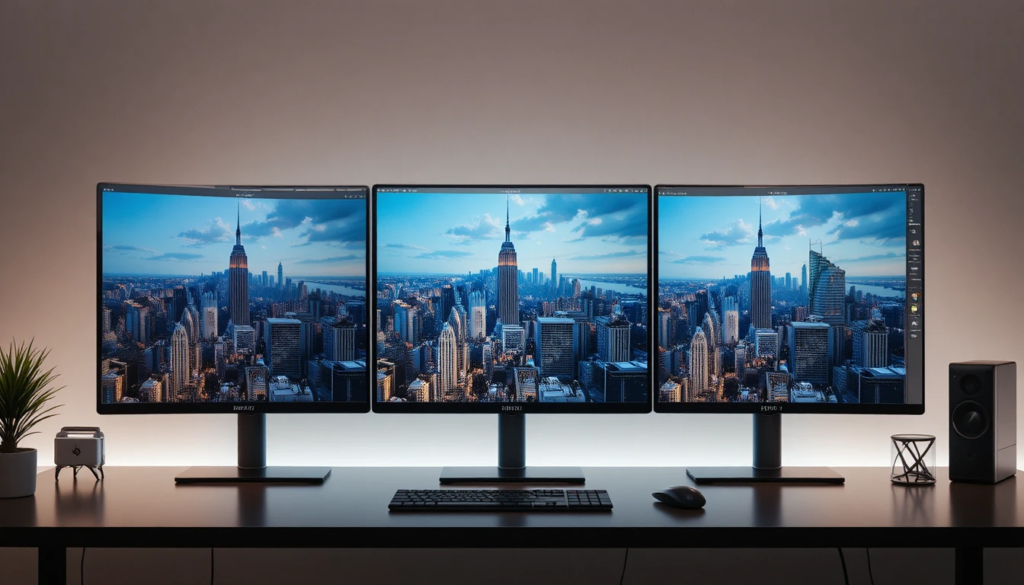
To understand why so many people are making the switch, we first need to define the technical specifications. 1440p resolution refers to a display format with 2560 pixels horizontally and 1440 pixels vertically.
This results in approximately 3.7 million pixels on your screen. To put this in perspective, 1080p (Full HD) has about 2 million pixels, while 4K (Ultra HD) boasts 8.3 million.
When you see the terms QHD or WQHD, they are simply marketing synonyms for 1440p. “Quad HD” gets its name because it contains four times as many pixels as the standard 720p HD resolution. Because it offers a higher pixel density than 1080p, images appear sharper, text looks crisper, and textures in video games have significantly more detail.
1440p vs. 1080p vs. 4K: The Comparison
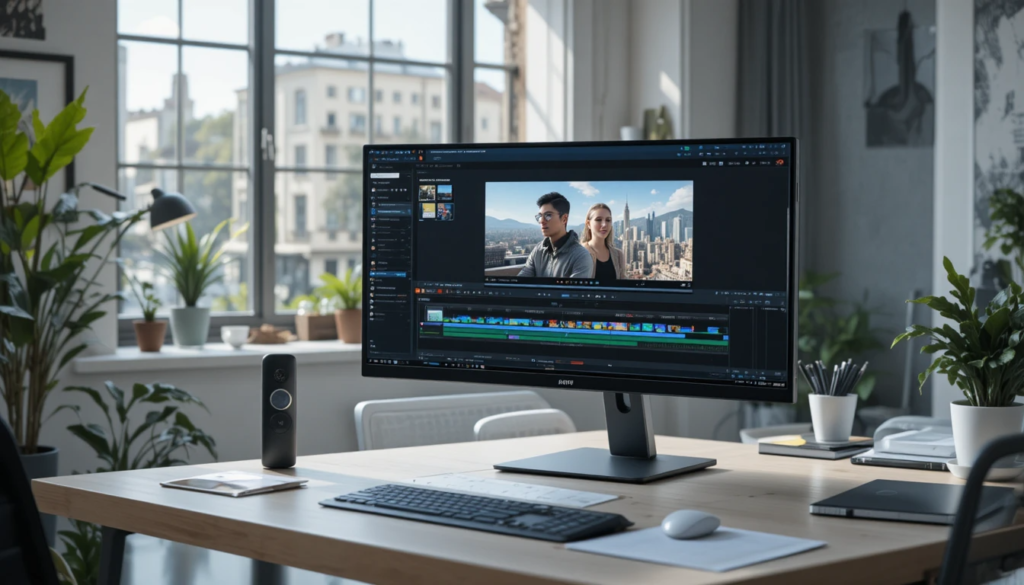
Choosing the right resolution is about finding the balance between your hardware’s capabilities and your visual expectations. Here is how 1440p resolution compares to the other titans of the display industry.
1440p vs. 1080p (The Clarity Leap)
For a long time, 1080p was the standard. While it is still perfectly acceptable for smaller monitors (under 24 inches), it begins to look “soft” or pixelated on larger displays. When you move up to a 27-inch monitor, the pixel density of 1080p starts to show its limitations.
1440p resolution fills that gap perfectly. On a 27-inch screen, the jump from 1080p to 1440p is immediately noticeable. Your desktop icons, browser text, and game menus become much sharper. If you are a competitive gamer who demands high frame rates but hates the “blurry” look of 1080p on large screens, this is your upgrade path.
1440p vs. 4K (The Performance Balance)
4K is undeniably beautiful. It offers a level of crispness that makes images look almost like real life. However, 4K is incredibly taxing on your hardware. To run modern games at 4K resolution, you need a top-tier graphics card (GPU), often at an extremely high price point.
1440p resolution offers about 77% more pixels than 1080p, making it look substantially better, but it still requires roughly 40% less processing power than 4K. This means you can achieve higher frame rates (refresh rates) with 1440p, which is essential for smooth gaming, without needing a mortgage-level budget for a graphics card.
Performance Differences: Frame Rates and GPU Power
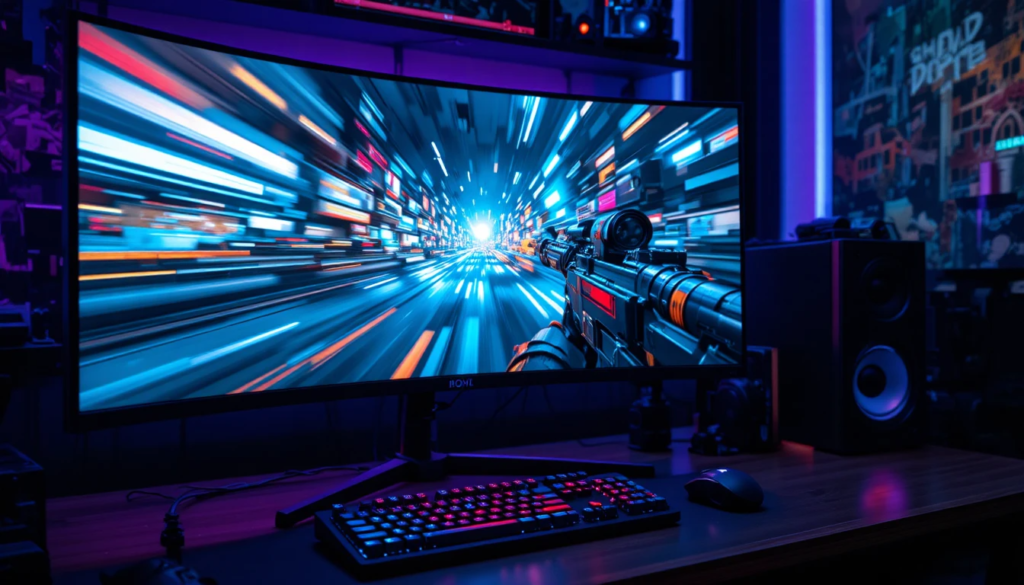
- Resolution and GPU performance are directly linked: higher resolution requires the GPU to render more pixels per second, increasing the workload and demand on the GPU.
- One major advantage of 1440p resolution is its compatibility with high refresh rates such as 144Hz, 165Hz, and even 240Hz, which significantly improves smoothness and responsiveness.
- Achieving 144 FPS in modern AAA games at 4K resolution is extremely demanding, even for high-end GPUs, whereas 1440p makes these frame rates much more attainable with mid- to high-range graphics cards.
- This balance allows users to enjoy both improved visual quality and smooth gameplay without needing the most expensive hardware.
- In real-world gaming scenarios, 1080p may offer higher frame rates but lacks sharpness, making distant objects harder to see, while 4K provides clarity but can reduce performance and cause stuttering.
- 1440p resolution solves this problem by delivering clear visuals and stable, fluid motion, making it ideal for fast-paced, competitive games.
Why 1440p Resolution Is So Popular Right Now
It is no coincidence that the most popular monitors among enthusiasts and professionals are QHD displays. This popularity stems from several key factors that cater to the modern user.
1. The Screen Size “Sweet Spot.”
As mentioned earlier, 27 inches has become the industry-standard size for desktop monitors. 1440p is mathematically the perfect resolution for this size. It provides a pixel density (PPI, or Pixels Per Inch) that is high enough to look sharp, but not so high that text and user interfaces become microscopically small.
2. The Cost of Entry
Monitors with 1440p resolution have dropped significantly in price. What used to be a premium, expensive tier is now affordable for the average consumer. You can find high-quality IPS, VA, and even OLED panels at 1440p without spending a fortune.
3. Future-Proofing
While 4K is the future, it is a demanding future. For the next five to seven years, 1440p is likely to remain the most versatile resolution. It handles modern games beautifully and will continue to look great for productivity tasks for years to come.
4. Productivity Benefits
It isn’t just about gaming. For professionals, 1440p resolution offers significantly more “screen real estate” than 1080p. You can easily snap two documents side-by-side without them feeling cramped. If you are a video editor or a developer, having those extra pixels on the timeline or in your code editor is a game-changer.
Quick Reference Comparison Table
| Feature | 1080p (Full HD) | 1440p (QHD) | 4K (UHD) |
| Pixel Count | 1920 x 1080 | 2560 x 1440 | 3840 x 2160 |
| Total Pixels | 2.07 Million | 3.69 Million | 8.29 Million |
| GPU Demand | Low | Medium | Very High |
| Best Monitor Size | 24 inches | 27 inches | 32+ inches |
| Primary Usage | Budget Gaming | All-Rounder / Competitive | Content Creation / Movies |
Hardware Requirements: Can Your System Handle It?
Before you rush out to buy a monitor with 1440p resolution, you need to ensure your PC can drive those extra pixels. While 1440p is easier to run than 4K, it is still a step up from 1080p.
The GPU Factor
If you are currently gaming at 1080p, you need to check if your GPU is up to the task.
- Entry-Level/Budget Cards: If you have an entry-level graphics card, you might struggle to maintain high frame rates at 1440p in modern, graphically intensive games. You may need to lower your in-game settings to “Medium.”
- Mid-Range Cards: Modern mid-range cards are the kings of 1440p. They are specifically designed to handle this resolution at “High” or “Ultra” settings while maintaining high frame rates.
- High-End Cards: If you have a top-of-the-line GPU, you will crush 1440p gaming. This is where you can crank every setting to maximum and enjoy the absolute best experience.
Cable Requirements
Do not overlook your cables. To get the full benefit of a high-refresh-rate 1440p monitor, you need the right connection.
- DisplayPort: Highly recommended for PC gaming. Ensure you use a DisplayPort 1.2 or 1.4 cable to support high refresh rates (e.g., 144Hz or 165Hz) at 1440p.
- HDMI: Modern HDMI 2.0 or 2.1 cables also support 1440p at high refresh rates, but always check your monitor’s specific port version.
Operating System Scaling: A Note on Clarity
One concern people have when moving to higher resolutions is the size of text. They fear that adding pixels will make their desktop icons and text impossibly small. This is where “OS Scaling” comes in. Modern operating systems like Windows 10 and 11, and macOS, handle this beautifully. You can easily set your “Scale and Layout” to 125% or 150%.
This makes text and icons larger and easier to read, while retaining the sharpness of the 1440p resolution. It gives you the best of both worlds: a clean, sharp image and comfortable readability.
Panel Types: IPS, VA, and TN for 1440p
When searching for a 1440p resolution monitor, you will encounter different panel technologies. This is just as important as the resolution itself.
- IPS (In-Plane Switching): The current standard for most users. It offers the best color accuracy and viewing angles. If you do any photo editing or want the game to look vibrant, get an IPS panel.
- VA (Vertical Alignment): These are known for high contrast ratios—blacks look truly black rather than grey. They are great for watching movies and playing single-player games in dark rooms, though they can have slight “ghosting” in very fast-paced games.
- TN (Twisted Nematic): These were once the only way to achieve fast refresh rates, but they offer poor color quality and limited viewing angles. IPS technology has largely made these obsolete for the average user, though professional e-sports players sometimes still prefer them for raw speed.
Conclusion
We live in an age where visual clarity matters, whether you are trying to spot an enemy across a digital battlefield or managing a complex spreadsheet. After evaluating the balance of visual fidelity, hardware demands, and overall user experience, it is clear why 1440p resolution has cemented itself as the premier choice for the modern display.
It respects your hardware, ensuring you don’t need a supercomputer to have a beautiful experience, while simultaneously pushing your visual standards well beyond the aging 1080p format. It offers the crispness and screen real estate that modern computing demands without the extreme tax of 4K.
Whether you are building your first gaming rig or upgrading your home office setup, prioritizing 1440p resolution is one of the smartest investments you can make. It is the perfect blend of performance and clarity, ensuring that whatever you do- work, play, or create looks exactly as it should: stunning.
Want to know about 4K 120Hz Monitor: A Complete Guide to Ultra-High Resolution, Smooth Refresh Rate Performance, Gaming Excellence, and Professional Visual Experience in Modern Display Technology Check out our Tech category.
FAQs
The 2560 × 1440 resolution, commonly referred to as 1440p, is sometimes referred to as “2K”.
The vertical resolution of 1440 pixels is one-third (about 33.3%) higher than 1080p and quadruple that of 720p. A popular display resolution of 2560 × 1440 pixels in a 16:9 aspect ratio is called QHD (Quad HD) or WQHD (Wide Quad HD).
No, 4K and 1440p are not the same. The resolution of 1440p, often known as QHD, is either 2560 x 1440 pixels or 3440 x 1440 pixels. With a screen resolution of 3840 x 2160 pixels or 4096 x 2160 pixels, 4K, sometimes referred to as 2160p or Ultra HD, delivers superior visual quality.
With more than four times as many pixels as 2K, 4K delivers greater detail, but it also requires more processing power and storage, which may not be required for smaller displays or remote watching. While 4K gives crisper images and greater editing freedom, 2K offers superior performance and lower expenses.

