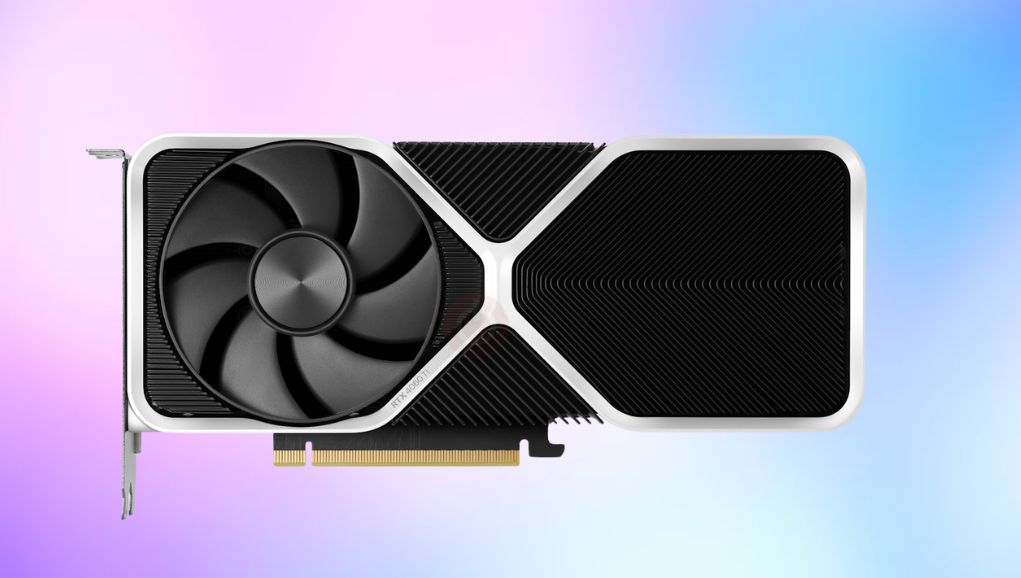
The Nvidia GeForce RTX 4060 Ti 16GB is the double-memory version of Nvidia’s 2023 mid-range card. Same AD106 chip, same 4,352 CUDA cores, same narrow 128-bit bus, same 160W power draw as the 8GB model, but with twice the VRAM. It launched in July 2023 at around £450 to £480 in the UK and has since been replaced by the RTX 5060 Ti 16GB.
Small housekeeping note, because it comes up constantly in searches: the brand is Nvidia, not Navida. If you typed it that way, you are in the right place.
The short verdict for August 2026: do not buy this card new. New UK stock has drifted up to roughly £700 or more as supply dried up, while the newer RTX 5060 Ti 16GB sells for around £579 and is 16 to 18 per cent faster. Used, it is a completely different story. At £220 to £280 second hand, the 16GB 4060 Ti is a quiet, efficient, low-power 1080p and 1440p card that will not embarrass itself for another few years.
The specification, and the one number that limits everything
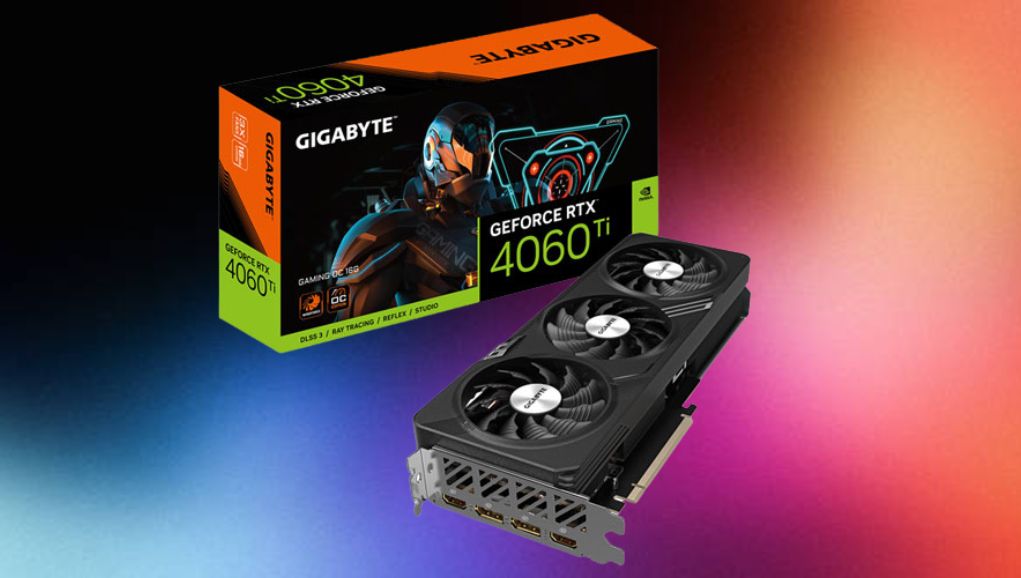
AD106 is a genuinely modern chip on TSMC’s 4N process with 4th-gen Tensor cores and 3rd-gen RT cores. The problem is not the silicon. It is the 128-bit memory bus, which at 18 Gbps GDDR6 gives 288 GB/s of bandwidth. For context, that is less than the RTX 3060 Ti it nominally replaced. Nvidia partly compensates with a large 32MB L2 cache, which works well at 1080p and progressively less well as resolution climbs.
| Specification | RTX 4060 Ti 16GB |
|---|---|
| GPU | AD106, TSMC 4N |
| CUDA cores | 4,352 |
| Boost clock | 2,535 MHz |
| Memory | 16GB GDDR6 at 18 Gbps |
| Memory bus | 128-bit |
| Bandwidth | 288 GB/s |
| L2 cache | 32 MB |
| TDP | 160W |
| Power connector | 1x 8-pin |
| PCIe interface | PCIe 4.0 x8 |
| Outputs | 3x DisplayPort 1.4a, 1x HDMI 2.1 |
| Launched | July 2023 |
| Recommended PSU | 550W, or a good 500W unit |
8GB or 16GB: the honest answer
This is the question the card exists to provoke, and the honest answer annoys both camps. Independent testing at launch found the 16GB card averaged only about four per cent faster at 1080p and three per cent at 1440p across a broad game suite. The extra memory does not add compute. It adds headroom.
Where it shows up, it shows up hard. The Last of Us Part I ran roughly 16 per cent faster at 1080p and 24 per cent faster at 1440p on the 16GB card in the same tests, because the 8GB card was actively running out of memory and having to stream textures. That pattern, small average gain and occasional huge gain, is exactly what a VRAM buffer looks like. It does nothing until it does everything.
Three years on, the picture has shifted in the 16GB card’s favour. Games shipping in 2025 and 2026 with high-resolution texture packs, ray tracing and frame generation routinely ask for more than 8GB at 1440p, and frame generation itself consumes VRAM. An 8GB card in 2026 increasingly means turning textures down, which is the single most visible setting in any game and the one that costs the least performance to raise.
| Scenario | 8GB | 16GB |
|---|---|---|
| 1080p, medium to high settings | No practical difference | No practical difference |
| 1080p ultra with ray tracing | Stutter in some 2024 to 2026 titles | Holds up |
| 1440p ultra textures | Texture pop-in, frame time spikes | Comfortable |
| Frame generation enabled | Tighter, adds VRAM cost on top | Comfortable |
| Local AI, Stable Diffusion, LLMs | Restrictive | The main reason to buy this card |
| Video editing with heavy timelines | Workable | Noticeably smoother scrubbing |
| Typical UK used price | £175 to £220 | £220 to £280 |
Real-world performance at 1080p
At 1080p this card is comfortable and unfussy. In demanding recent AAA titles at high or ultra you are looking at roughly 100 to 130 fps, and competitive shooters at high refresh settings run well into the hundreds. It is a card that pairs sensibly with a fast 1080p or 1440p panel rather than a 4K one.
DLSS makes a bigger difference than any other setting. In Cyberpunk 2077, DLSS Quality takes it from around 95 fps native to over 130 fps at 1080p. Frame generation on top of that pushes the number higher again, though the input latency trade-off means it is best used when you are already above roughly 60 fps rather than as a rescue for 30.
Real-world performance at 1440p
1440p is where the 16GB version justifies itself and where the 128-bit bus starts to bite. Natively at high settings, expect roughly 60 to 80 fps in most modern releases and 80 to 100 fps in well-optimised ones. With DLSS Quality, 80 to 100 fps at 1440p is achievable across most of the current library.
Ray tracing at 1440p is where you have to choose. Light implementations, reflections and shadows, are fine with upscaling. Full path tracing is not realistically playable on this class of card without dropping to performance-mode upscaling that undoes the visual gain. If your monitor is 1440p and high refresh, this card gets you there with DLSS doing some of the work. If you have not chosen a panel yet, our guide to choosing a 1440p 144Hz gaming monitor covers what refresh rate and panel type actually change, and what 1440p resolution really means explains the pixel maths behind it.
4K: don’t
Nvidia never marketed this as a 4K card and it is not one. The 16GB of memory means it will not crash out of a 4K texture load the way an 8GB card can, so on paper it looks viable, but 288 GB/s of bandwidth is the hard ceiling. You will be running DLSS Performance and medium settings to hold 60 fps in demanding titles, which defeats the point of a 4K display. For 4K gaming you want something in the RTX 4080 or 5070 Ti class upwards.
PCIe 4.0 x8: check your motherboard first
The 4060 Ti uses only eight PCIe lanes, not the usual sixteen. On a PCIe 4.0 board that is fine, because eight 4.0 lanes match sixteen 3.0 lanes in bandwidth. On an older PCIe 3.0 board, you are getting eight 3.0 lanes, which is half the bandwidth, and the losses are measurable, worst in games that stream heavily or exceed VRAM.
- PCIe 4.0 or 5.0 board: no issue at all. Intel 500 series and later, AMD B550 and later.
- PCIe 3.0 board: expect a few per cent loss in most games and a larger loss in a handful. Not a dealbreaker, but factor it in when comparing against a used card with a full x16 interface.
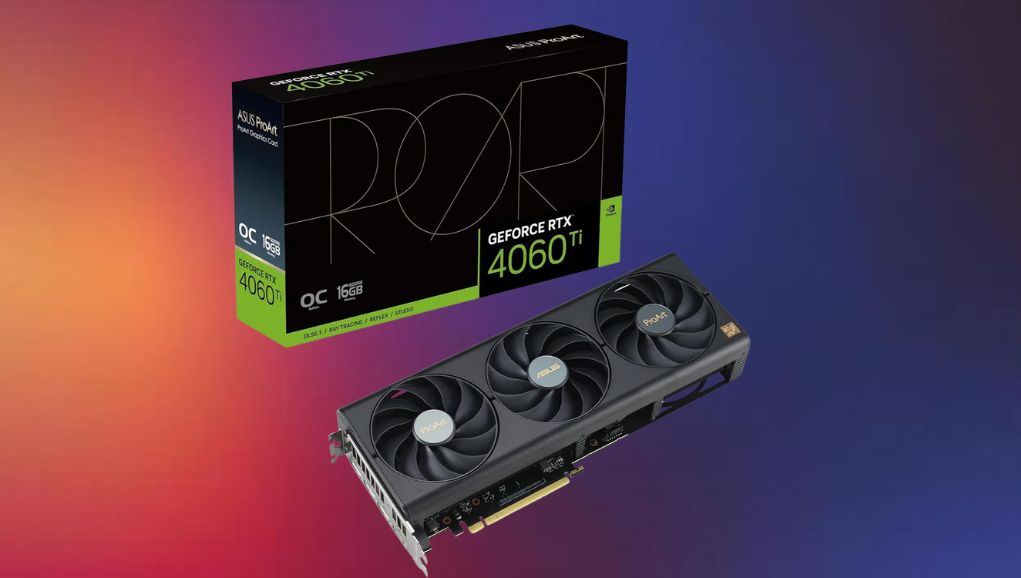
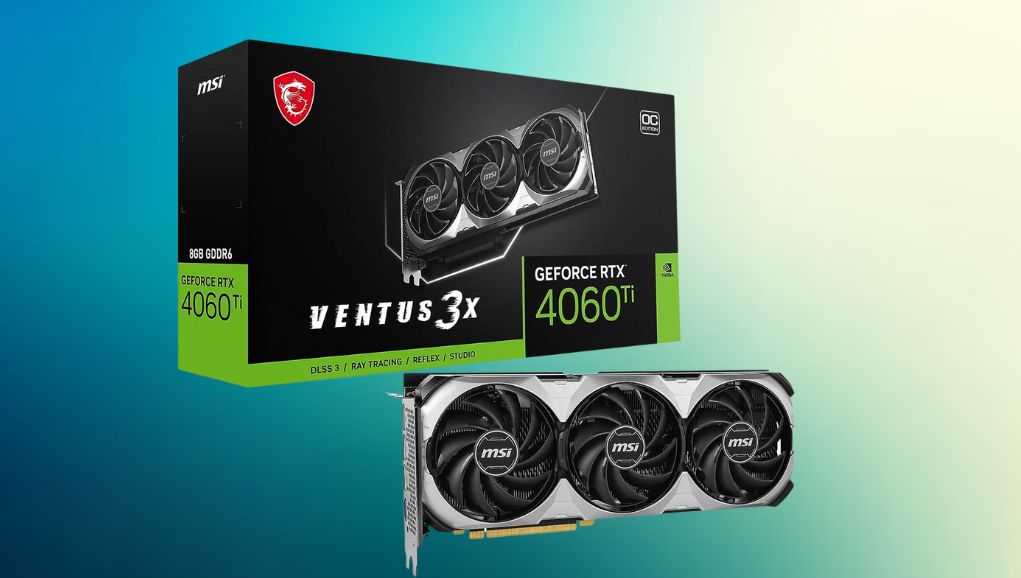
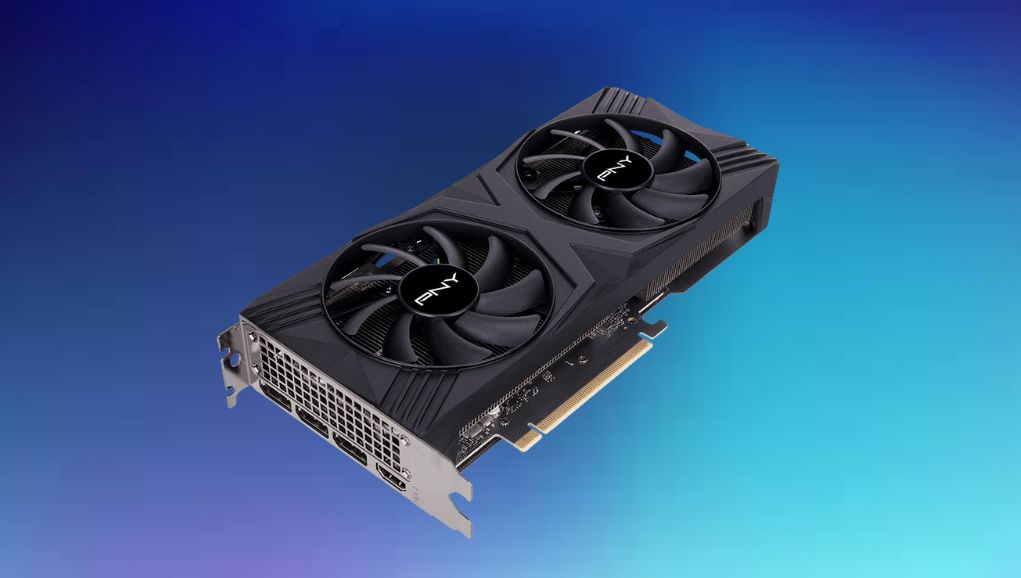
- Physical fit: the card is short and most models are dual-slot and dual-fan. It suits small-form-factor builds well.
- Power: a single 8-pin connector and 160W, so no 12VHPWR adapter drama and no need to replace a decent existing PSU.
Should you buy one in 2026? The replacement changes the answer
The RTX 5060 Ti 16GB arrived in April 2025 on the Blackwell GB206 chip and it is a straightforwardly better product. It has 4,608 shaders rather than 4,352, but the real change is memory: 28 Gbps GDDR7 on the same 128-bit bus gives 448 GB/s, a 56 per cent bandwidth increase. That is precisely the weakness the 4060 Ti had.
In testing it runs about 16 per cent faster at 1080p, 18 per cent at 1440p and 21 per cent at 4K, and despite a higher 180W TDP rating it actually drew slightly less power in practice. It also supports DLSS 4 Multi Frame Generation, which the Ada card does not.
| RTX 4060 Ti 16GB | RTX 5060 Ti 16GB | |
|---|---|---|
| Architecture | Ada Lovelace, AD106 | Blackwell, GB206 |
| Shaders | 4,352 | 4,608 |
| Memory | 16GB GDDR6, 18 Gbps | 16GB GDDR7, 28 Gbps |
| Bandwidth | 288 GB/s | 448 GB/s |
| TDP | 160W | 180W |
| Power connector | 1x 8-pin | 1x 16-pin |
| PCIe | 4.0 x8 | 5.0 x16 |
| Multi Frame Generation | No | Yes |
| Typical UK price, new | Around £700 or more where stocked | Around £579 |
| 1440p performance | Baseline | About 18 per cent faster |
So the buying rule is simple. Buying new, the 5060 Ti wins on every axis including price, and there is no argument for the older card. Buying used, the 4060 Ti 16GB at £220 to £280 is roughly a third of the price of a new 5060 Ti for around 85 per cent of the performance, which is a very different equation. For a closer look, see How to Sell a Profitable Business in France for the Best Price.
Who this card is genuinely right for
- Used buyers at 1080p or 1440p who want a quiet, cool, 160W card and are not chasing the top of the settings menu.
- Small-form-factor builders. Short PCB, dual slot, single 8-pin, modest heat output. It is one of the easiest modern cards to cool in a small case.
- Local AI and content work on a budget. 16GB of VRAM is the entry ticket for running larger Stable Diffusion models, video upscaling or mid-size local language models. This is where the 16GB card is worth a genuine premium over the 8GB, far more than in games.
- Anyone upgrading from a GTX 1660, RTX 2060 or RX 580. The generational jump plus DLSS is transformative from that starting point.
- Prebuilt buyers. If a complete system is priced well and happens to contain one, it is a perfectly reasonable card. Just do not pay a 16GB premium on top.
Who should look elsewhere
- Anyone buying new at current UK prices. Buy the RTX 5060 Ti 16GB instead.
- 4K gamers. Wrong class of card. Look at the RTX 4080 Super tier or newer equivalents.
- Path tracing enthusiasts. Cyberpunk and Alan Wake 2 in full path-traced mode need considerably more headroom.
- People on a PCIe 3.0 board with a tight budget. A used RTX 3070 or RX 6800 with a full x16 interface may serve you better per pound, at the cost of higher power draw.
- Anyone whose CPU is the actual bottleneck. If you are running a six-year-old quad core, the GPU is not your problem. Something like a Ryzen 7 7800X3D will do more for your frame rate than any GPU swap.
Buying used in the UK without getting burned
- Check the card was not used for mining or sustained AI training. Ask directly, and ask how long the seller owned it.
- Ask for a photo of the card running a benchmark with GPU-Z or HWiNFO visible, showing model, VRAM and temperature.
- Look for the original box and any remaining warranty. Most partner cards carry two to three years, some longer with registration, and warranty usually transfers.
- Inspect the fan bearings by ear if you can. Fans are the only part that reliably wears out.
- Pay by a method with buyer protection. Marketplace sales with no protection are where the horror stories come from.
- Benchmark it yourself within the return window. Run a 20-minute loop and watch for thermal throttling above the low 80s Celsius.
Pairing it sensibly
This card does not need an expensive platform around it. A mid-range six or eight-core CPU, 32GB of DDR5 if you are building fresh, and a decent 550W power supply is a balanced configuration. A board like the MSI B650 Gaming Plus WiFi gives you PCIe 4.0 for the x8 link without overspending on features this card cannot use.
Spend the money you save on storage and a monitor instead. A fast NVMe drive removes texture streaming stutter that people often blame on the GPU, and a good panel changes how the games look far more than the last ten per cent of GPU performance does.
At a glance
| Question | Answer |
|---|---|
| Is it Navida or Nvidia? | Nvidia. The card is the GeForce RTX 4060 Ti 16GB. |
| Is 16GB worth it over 8GB? | Around 3 to 4 per cent on average in 2023 testing, but far more in VRAM-heavy titles and essential for local AI work. |
| Best resolution | 1080p high refresh, or 1440p with DLSS. |
| Is it good for 4K? | No. Bandwidth-limited. |
| Has it been replaced? | Yes, by the RTX 5060 Ti 16GB in April 2025, which is around 18 per cent faster at 1440p. |
| Buy new in 2026? | No. Buy the 5060 Ti. |
| Buy used in 2026? | Yes, at £220 to £280 it is good value. |
| PSU needed | 550W with a single 8-pin. |
| Watch out for | PCIe 4.0 x8 link on older PCIe 3.0 motherboards. |
The RTX 4060 Ti 16GB was badly priced when it launched and reviewers said so at the time. Three years later the used market has fixed the pricing problem for it, and what is left is a sensible, efficient, generously buffered card for people playing at 1080p and 1440p who value quiet running and DLSS support over raw throughput. Buy it at the right price and it makes sense. Buy it at retail today and it does not.
The graphics card features 16GB of GDDR6 memory running at 18 Gbps, providing fast data access, smooth multitasking, and efficient handling of high-resolution textures and complex scenes.
It operates with a base clock of 2.31 GHz and can boost up to 2.54 GHz. Dynamic frequency scaling ensures stable performance under both light and heavy workloads.
The GPU includes third-generation ray tracing cores and fourth-generation Tensor cores, enabling realistic lighting, reflections, and shadows, as well as AI-driven image upscaling for improved visual quality.
It has a total power rating of around 165 watts and uses an 8-pin or 12VHPWR connector. Efficient voltage regulation and cooling ensure safe, quiet operation.
The card supports HDMI 2.1a and DisplayPort 1.4a, handling resolutions up to 8K and high refresh rates, making it suitable for gaming monitors, creative screens, and multi-display setups.